

From the vacancy to payroll
The vacancy, résumés, onboarding, training, the shift schedule and payroll are kept in the same system the team works in. Payroll posts to the ledger by itself, with nothing carried over to accounting.
People and payroll
For every industry
What it does
Hiring
Vacancies, résumés and onboarding for new staff.
Training
Internal courses for the team: lessons from any material (UGLA Docs documents, PDFs, videos, photos), steps in a set order with deadlines and a "passed" mark. Courses are assigned to positions, departments or people, and the employee takes them in their own cabinet, on a phone too.
Tests and checks
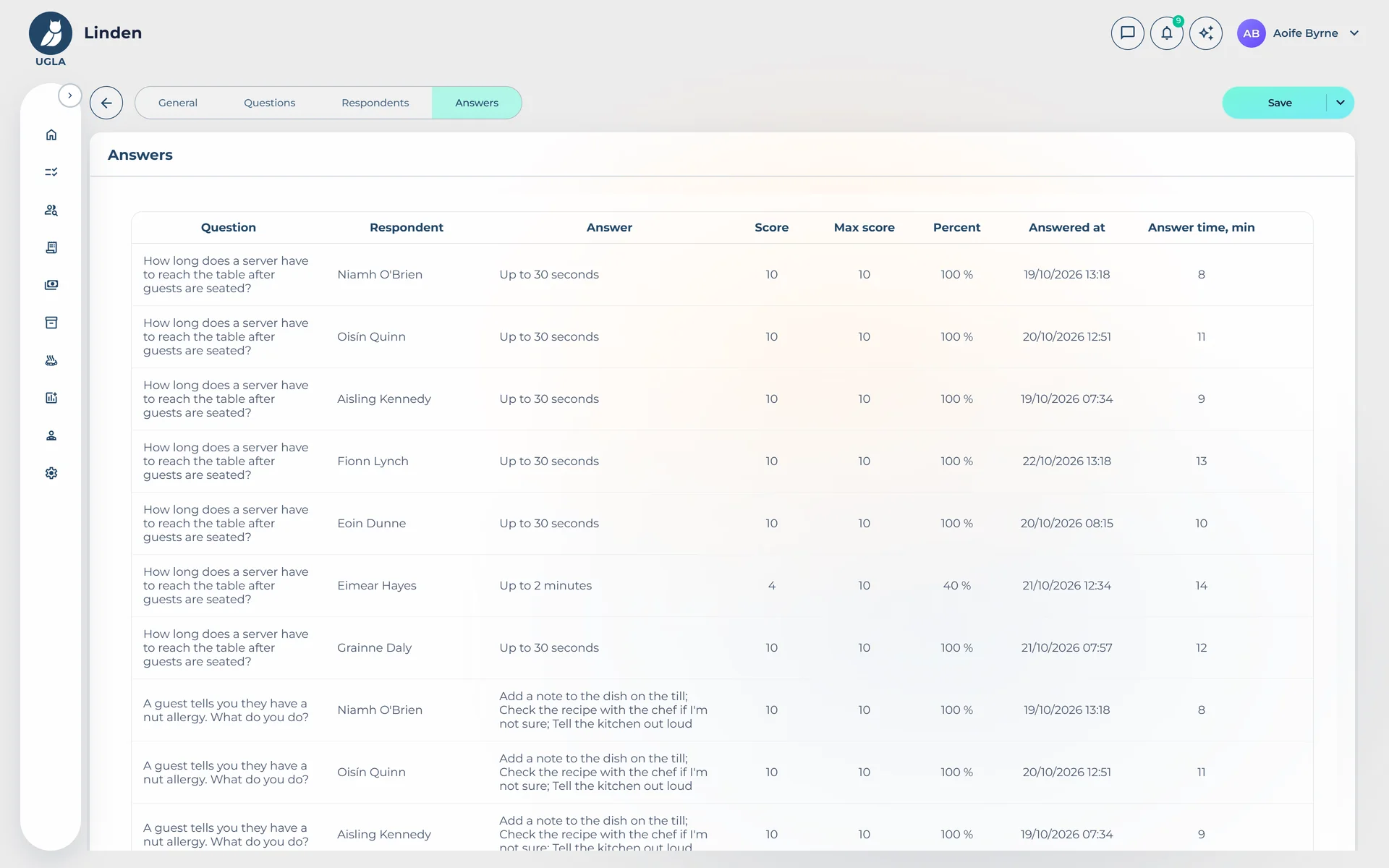
Five question types with weighted answers, a time limit and retakes; free answers are scored by HR. The same engine runs onboarding checks, recurring surveys and observation sheets, where a senior scores an employee on shift.
Instructions with acknowledgement
Versioned instructions: everyone confirms they have read them, and a new version asks everyone again.
Shift schedule
The rota by month, week and day, with the need per position; the staff confirm or decline their shifts.
Payroll
Pay with bonus adjustments and rules for compensation and deductions.
Holidays
Holidays from templates.
The employee's cabinet
Every employee has a cabinet of their own in the system.
Tasks
The team's tasks and boards.
Clearances
Employees' licences and certificates with expiry dates and reminders.
Construction
Where the data goes next
No module stands alone: what happens in it, the others see at once.
Common questions
Does every employee need a seat?
Everyone who works in the system needs a seat, and the price depends on the role: full access, till and stock, the rest of the team.