

Your own scripts, no server to run
UGLAScript is a statically typed language and its environment inside UGLA. Reports, calculations, notifications and files are written in an IDE in the system itself, and run on a schedule, on an event or as an API method of your own, next to your data and with no server of your own.
UGLAScript
For every industry
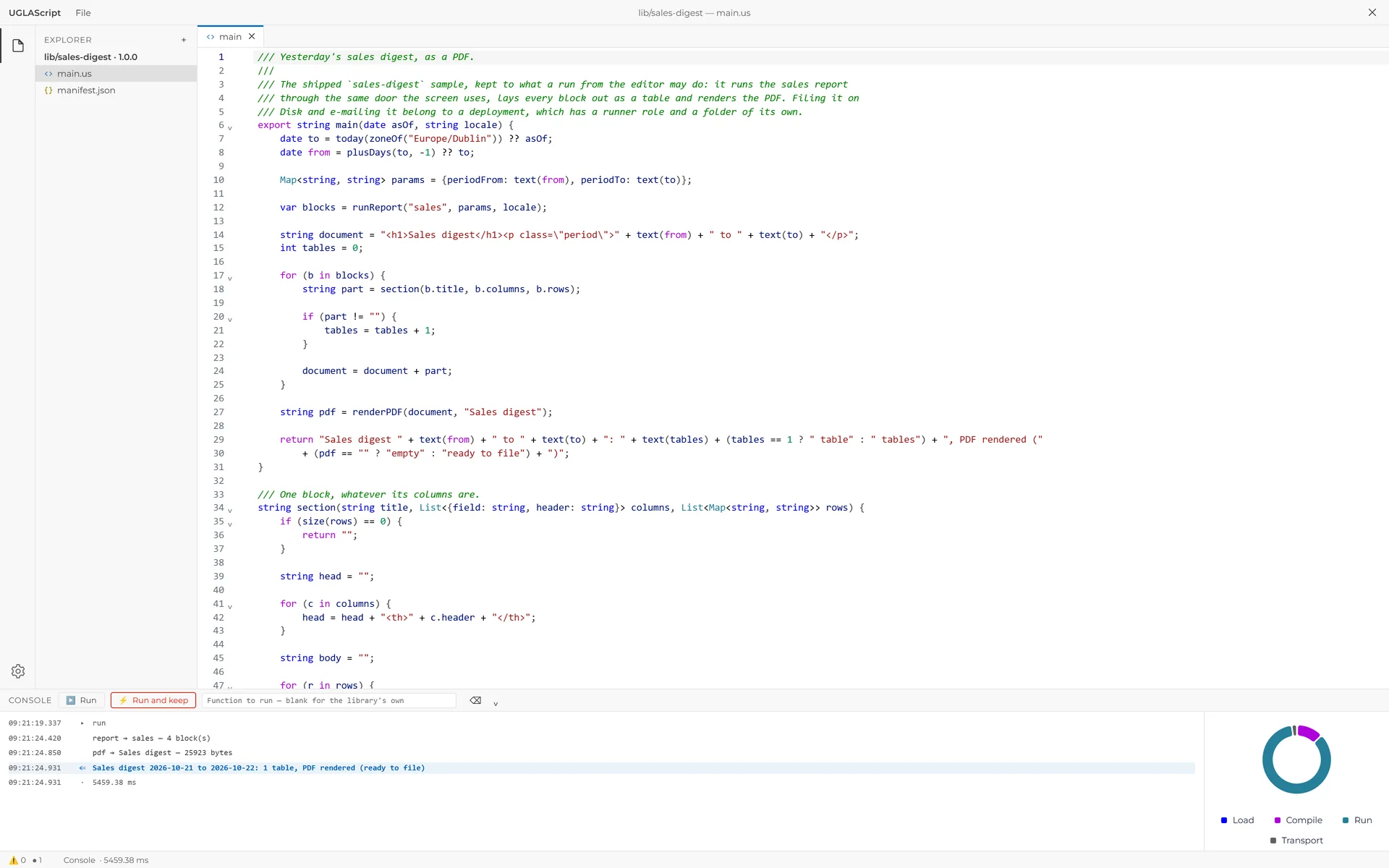
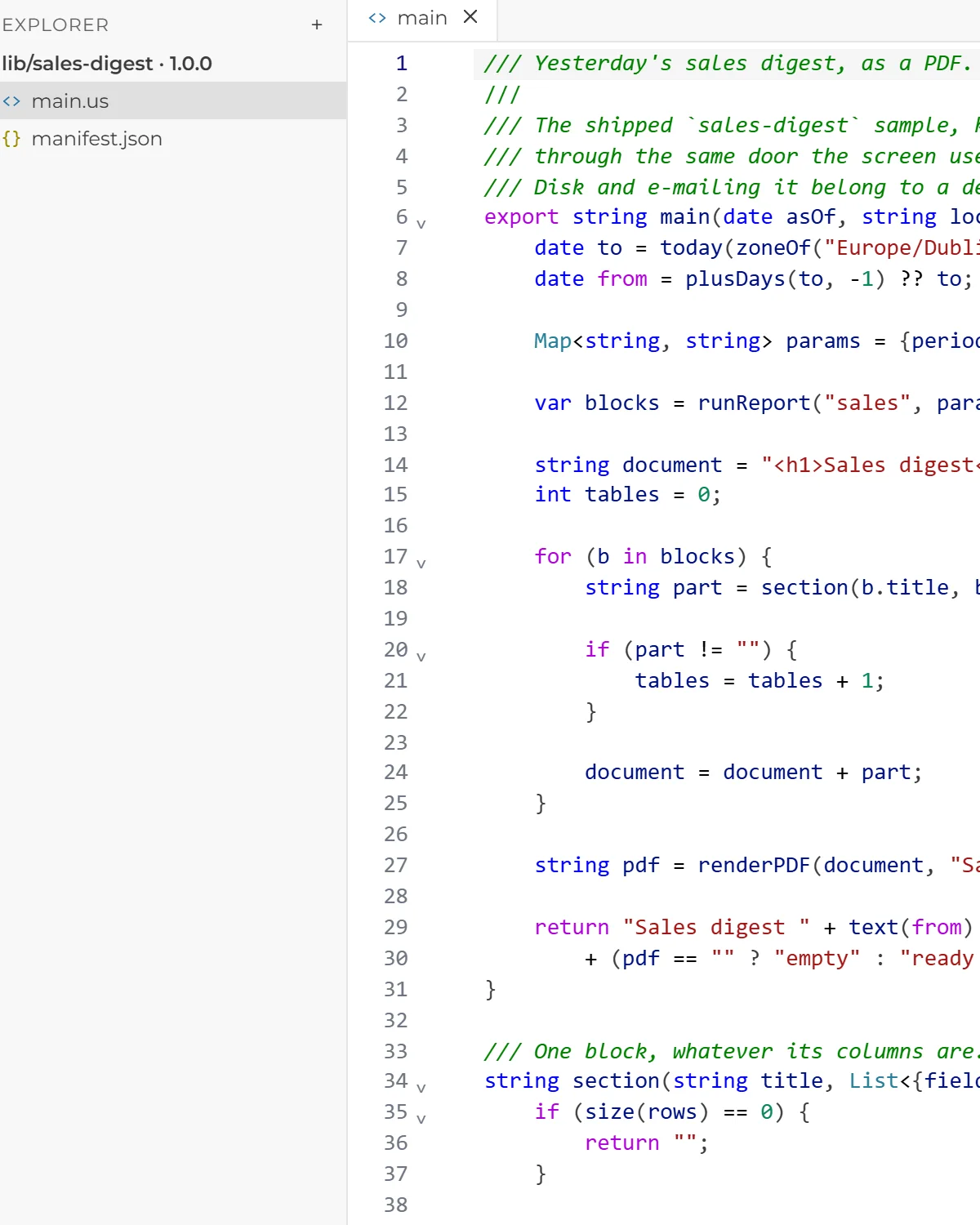
/// A VAT summary for 30 days, as a PDF, sent by email.
import { byEntity } from "ugla/reports/vat/main";

const string RECIPIENT = "finance@example.test";
const int ARCHIVE = 169;
const string ZONE = "Europe/Kyiv";

export bool main(date asOf) {
    date to = today(zoneOf(ZONE)) ?? asOf;
    date from = plusDays(to, -30) ?? to;
    string period = text(from) + " to " + text(to);

    // Each legal entity pays VAT on its own:
    // the report clamps every one before the total.
    var rows = byEntity(from, to, null, null, null);

    string pdf = renderPDF(
        "<h1>VAT summary</h1><p>" + period + "</p>" + table(rows),
        "VAT summary"
    );
    string file = "vat-summary-" + text(to) + ".pdf";

    // Filed first, sent second: if the mail fails, the file exists.
    diskWriteBytes(ARCHIVE, file, pdf);

    return sendEmailWithFile(
        RECIPIENT,
        "VAT summary " + period,
        "<p>The VAT summary is attached.</p>",
        file,
        pdf
    );
}

string table(List<{
    entity: string, entityID: int?, entityHref: string,
    currency: string, obligations: decimal, credit: decimal,
    toPay: decimal, creditReserve: decimal
}> rows) {
    string body = "";

    for (r in rows) {
        body = body + "<tr><td>" + r.entity + "</td><td>"
            + text(round(r.toPay, 2)) + "</td><td>" + r.currency
            + "</td></tr>";
    }

    return "<table><tr><th>Entity</th><th>To pay</th><th></th></tr>"
        + body + "</table>";
}- It imports the VAT report, so its figures are the screen's, with each legal entity worked out on its own.
- It renders a PDF, files it in the archive on Disk and e-mails it.
- It runs on a schedule, and the period's end can be passed in.
- It sees and does only what the IAM role it runs as may.
/// A Disk folder for every legal entity, then a notification.
import { Entity } from "ugla/models/restaurants";
import { DiskDirectory } from "ugla/models/general";

[Notifies("entity-folders", "Entity folders", "")]
export int main(date asOf) {
    string day = text(today(zoneOf("Europe/Kyiv")) ?? asOf);
    int made = 0;

    // Reading: rows arrive as records, every column checked
    // against the live schema when the script compiles.
    var entities = from x in Entity
        where x.exist == true
        select { name: x.name };

    for (e in entities) {
        // Writing: a new row is a handle until save() stores it.
        var folder = DiskDirectory.create();

        folder.name = e.name + " " + day;
        folder.save();
        made++;
    }

    sendNotification(
        [1],
        "Entity folders",
        text(made) + " folders made for " + day + ".",
        "entity-folders"
    );

    return made;
}- It reads the legal entities with a query, and every field is checked against the data's structure as it compiles.
- It creates and saves new records through the same data model as the interface.
- It sends the accountant a notification with the count.
- Writing data needs a permission of its own, granted deliberately.
What it does
An IDE in the system
Scripts are written, checked and tested in the built-in IDE, in the same UGLA they run in.
On a schedule or an event
A script runs on a schedule or on an event in the system, with no server, no address open to the internet and no key to UGLA.
Notifications, files and e-mail
A script sends notifications, builds files and e-mails them.
Custom API endpoints
When you need one, a script is published as an API method of your own: a deployment makes it reachable through UGLA's public UGLAQL endpoint with an API key, with its own handler and response and the permissions of the IAM role it runs as.
Binary data
Not only text and numbers: a script works with binary data too, such as a PDF or an image.
Where the builder falls short
A figure with a branch, a lookup table or arithmetic the report builder lacks, and logic several reports share.
Checked before it runs
A script is checked against the real structure of your data: a renamed field stops it before it runs, instead of leaving a blank figure in a report.
Exact money
Fractional numbers are exact by default, not floating point, so no cent goes missing.
Sandboxed
A script opens no files on the server, no network connections and no processes: it does only what the language allows, and its e-mails and files go through UGLA.
Columnar, next to the data
Aggregations are worked out column by column, so a million rows are processed inside UGLA quickly and with no export.
Tests
Script libraries carry their own tests, formatting and style checks.
A holding's VAT
Each legal entity pays VAT on its own, so the holding's total is worked out per entity, and one entity's surplus never offsets another's debt. An ordinary report's total cannot do that; a script can.
Where the data goes next
No module stands alone: what happens in it, the others see at once.
Common questions
How is a script different from an outside integration?
An outside program works beyond UGLA and sees the data only through the API. A script works inside: next to the data, checked against its structure, on a schedule, an event or a request, with no server to keep running. And when another system needs the data, the script can be published as an API method of your own, reached through UGLAQL with an API key.
Where are scripts written?
In the built-in IDE, in UGLA itself: there a script is written, checked against your data's structure and tested.